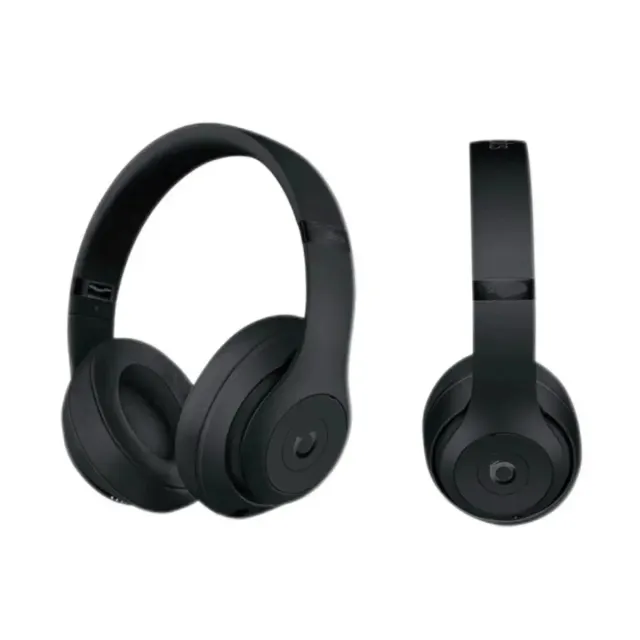
Beats Studio Black Headphones
~$32.78 USDCSSBuy Audio Finds
Explore headphone, earphone and audio listings. Compare the selected model, connection requirements and included components rather than relying on the product silhouette.
01Check the exact device connection and intended source device.
02Confirm the model, included cables and charging requirements.
03Verify performance features in the manufacturer’s documentation.
Product cards open their exact catalog listing in a new tab.
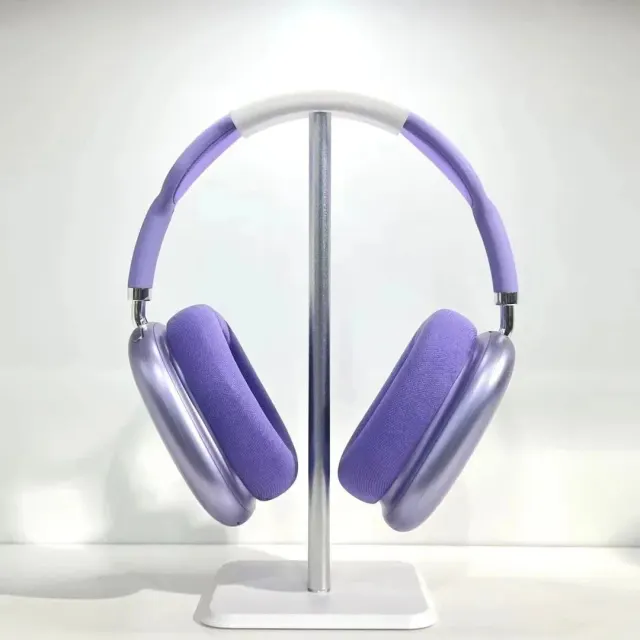
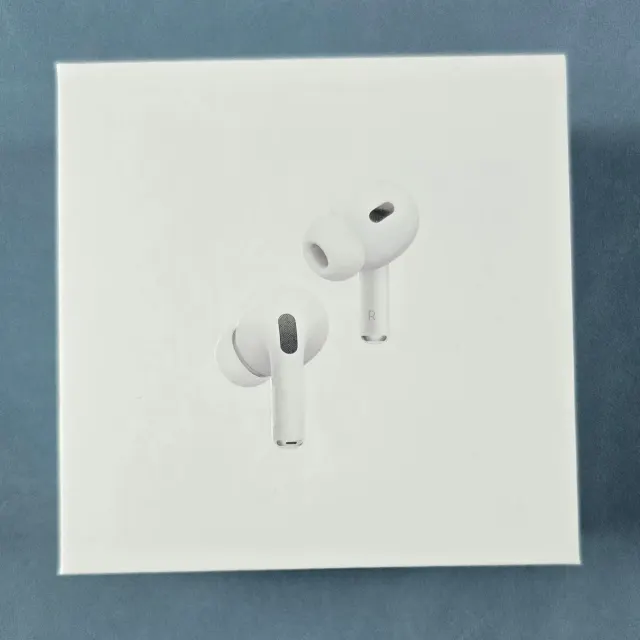
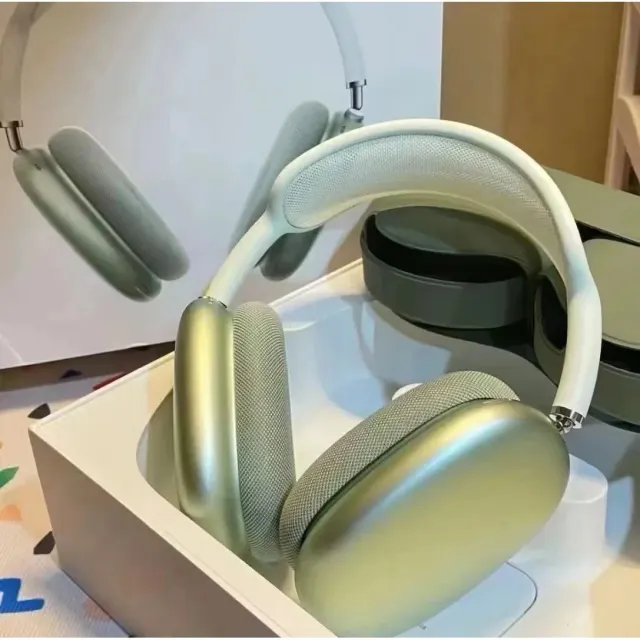
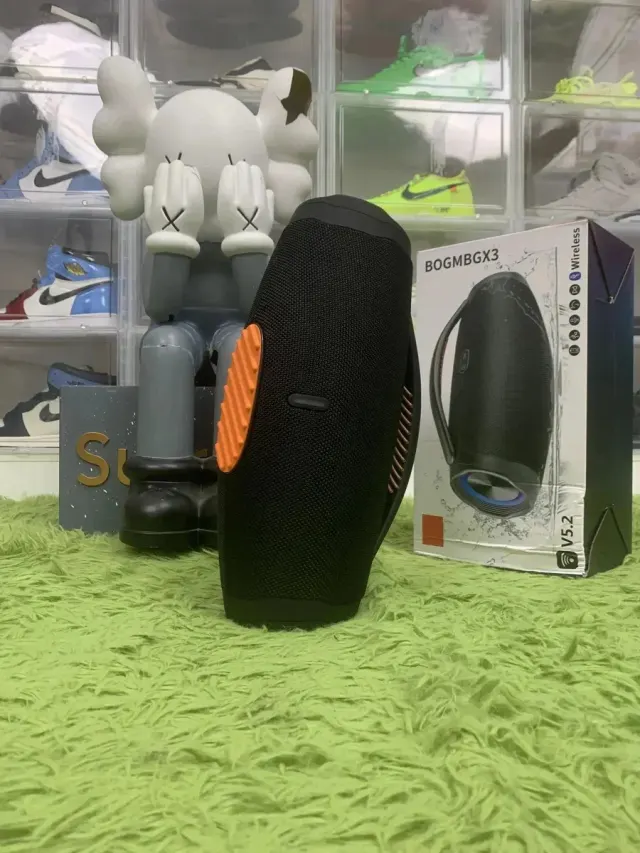
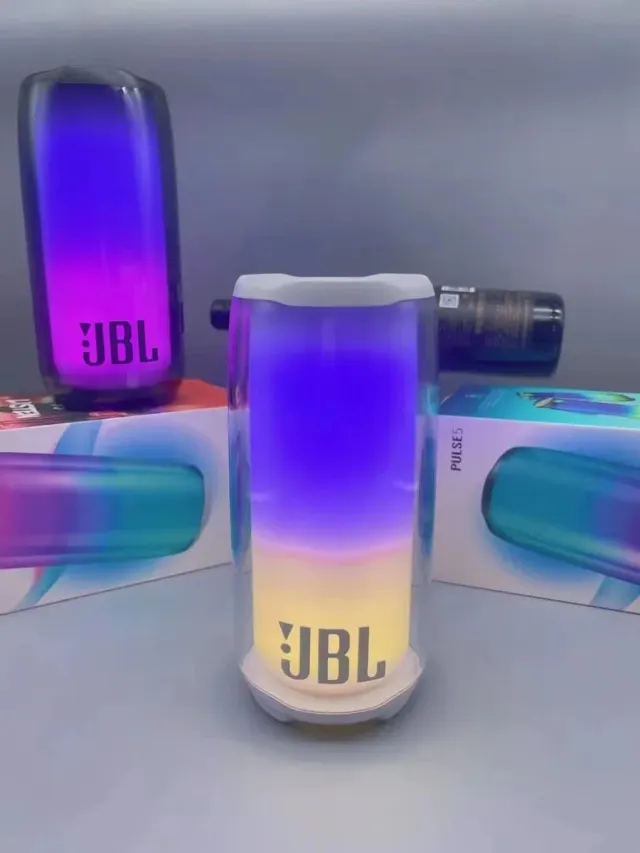
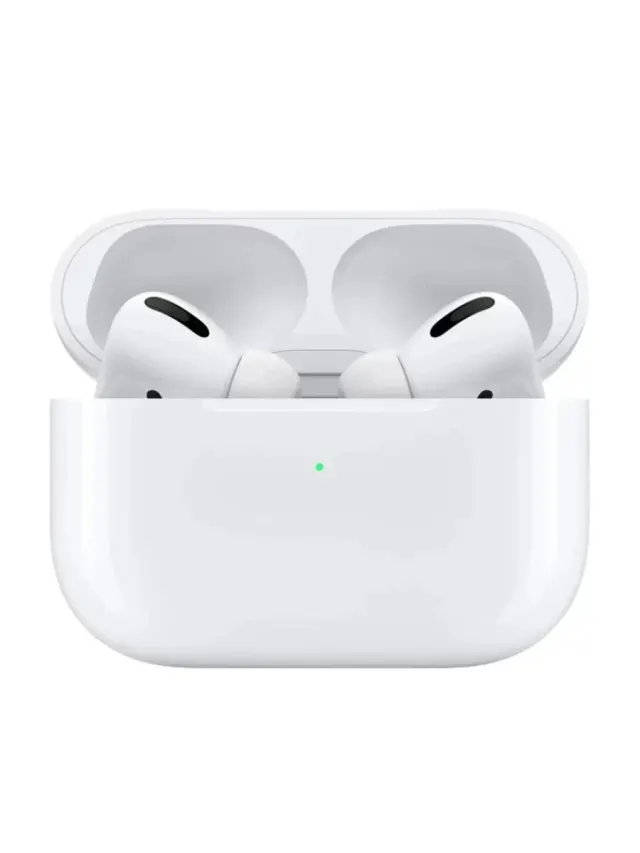
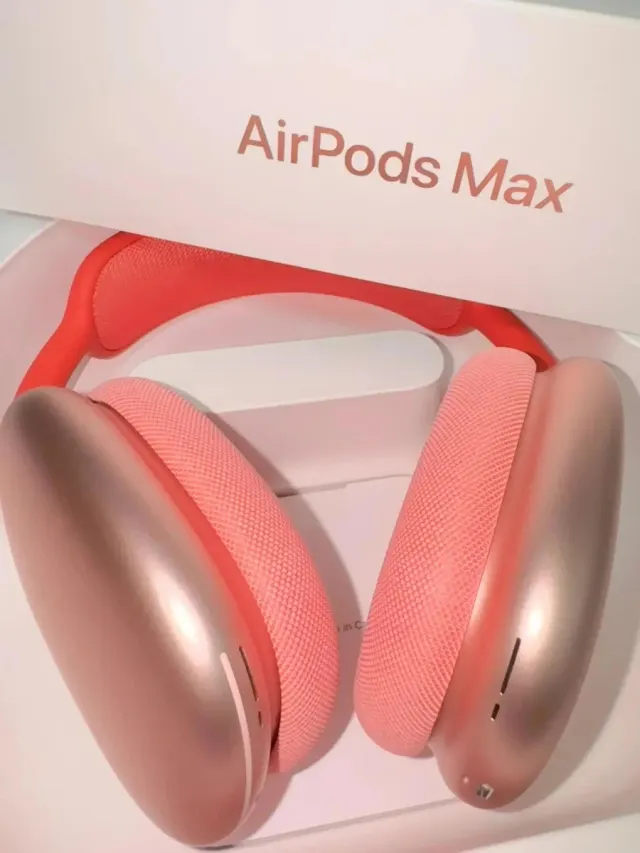

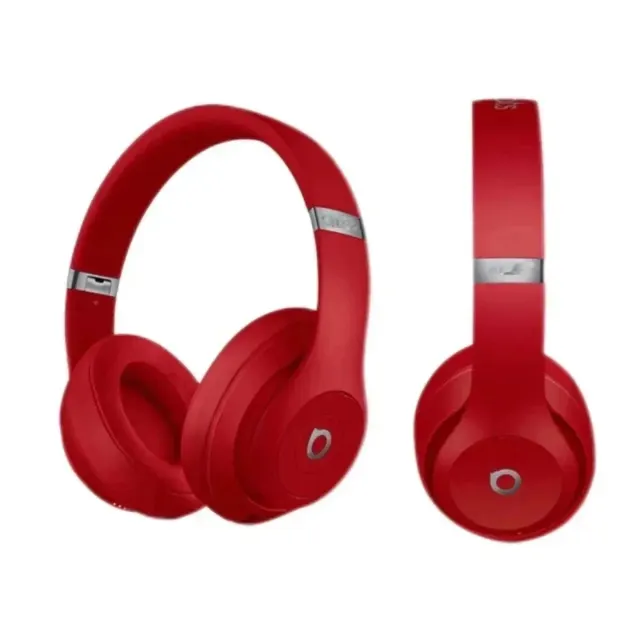
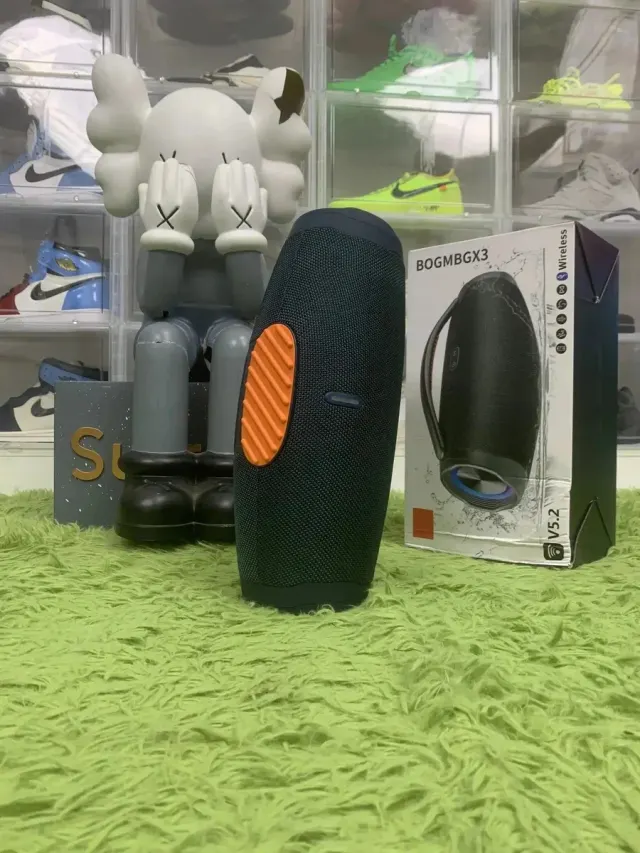
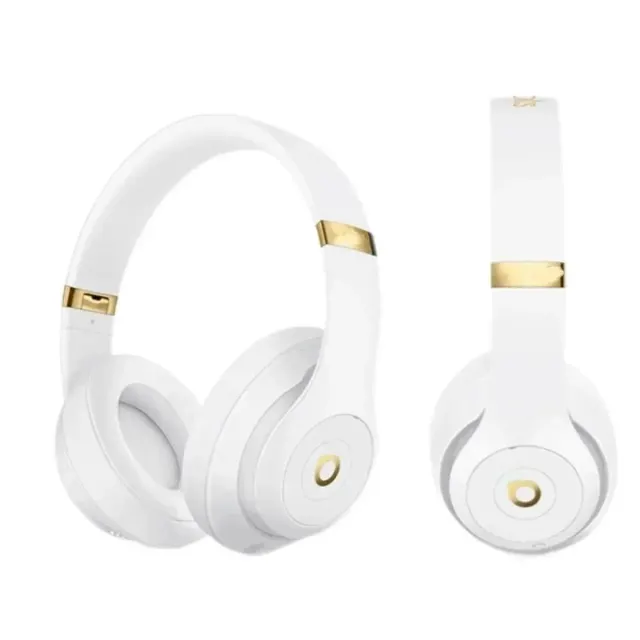
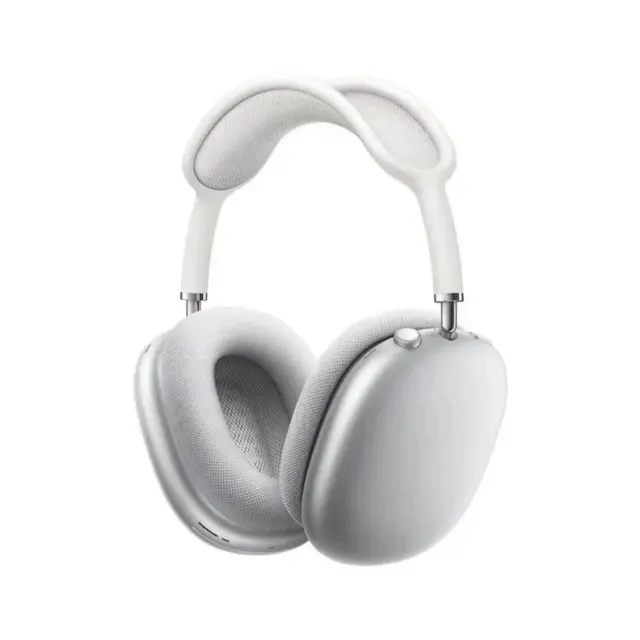
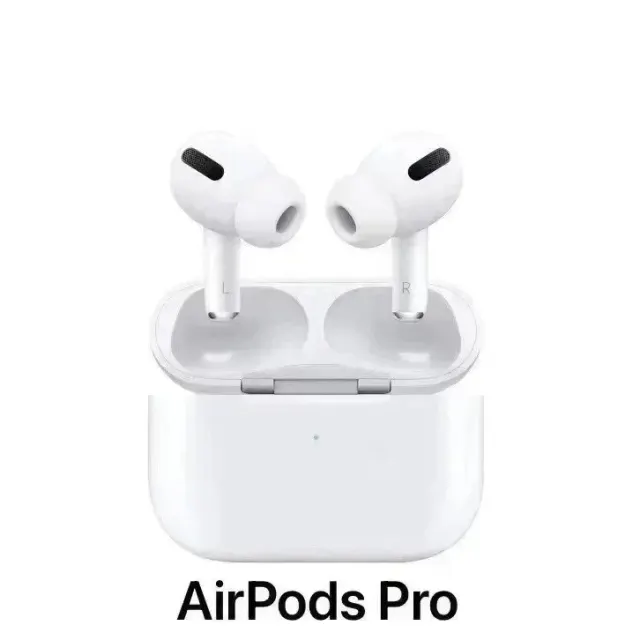
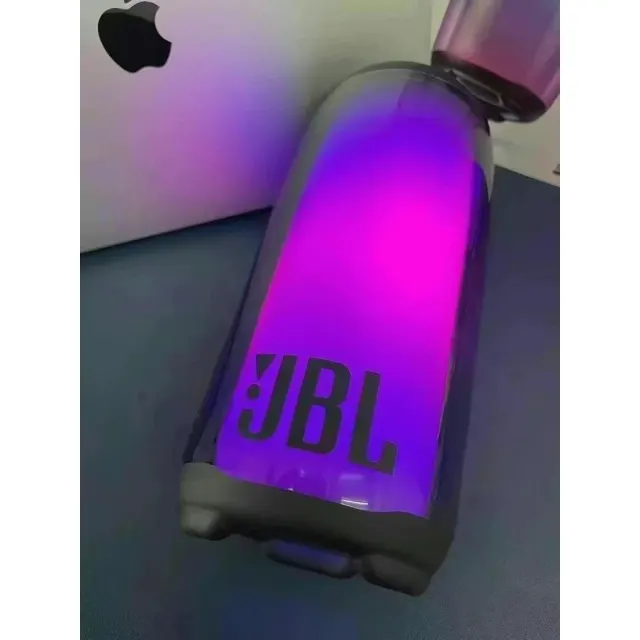
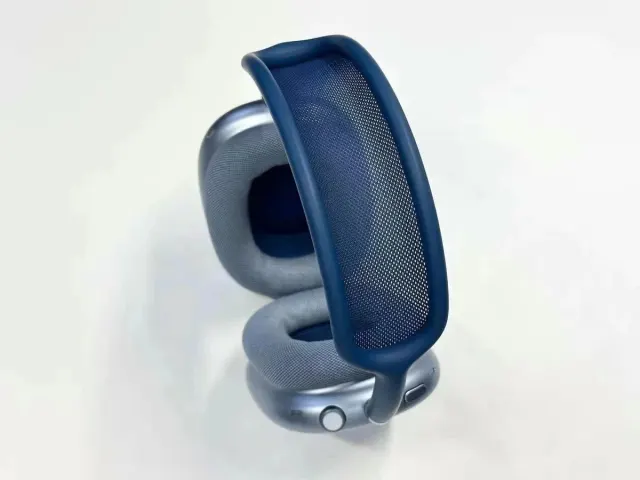
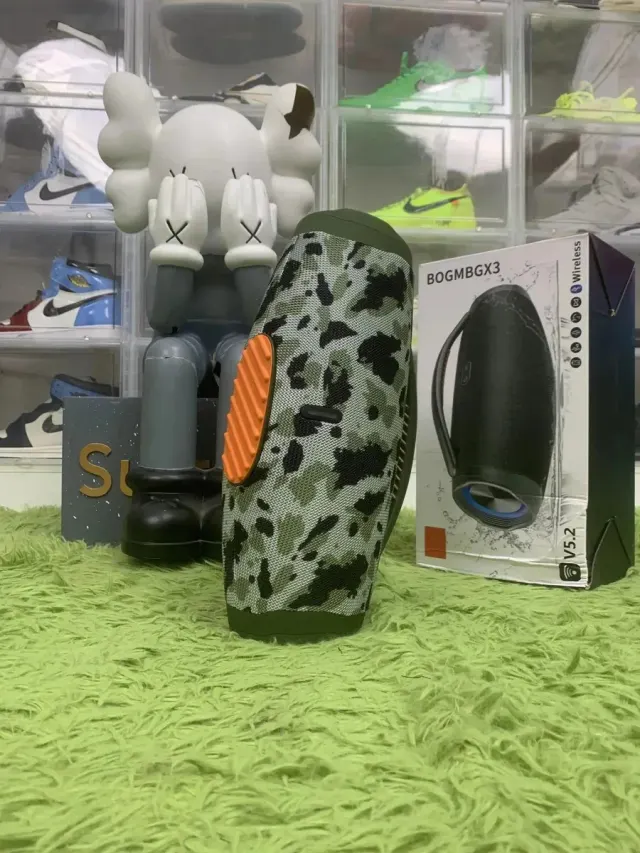
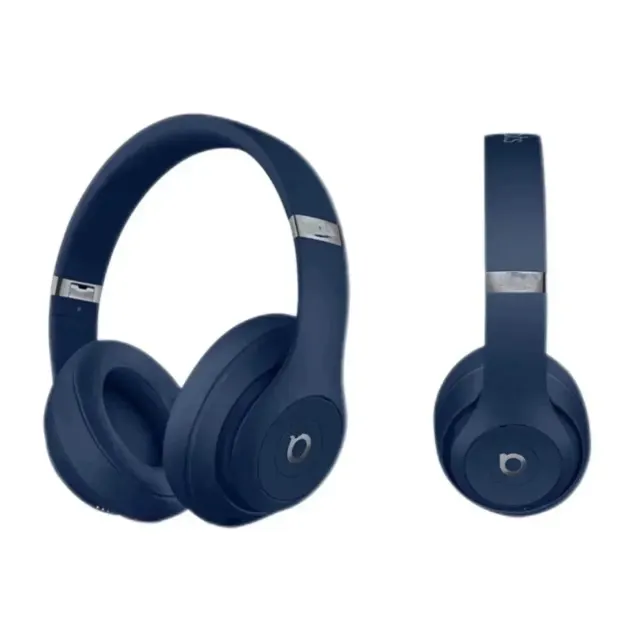
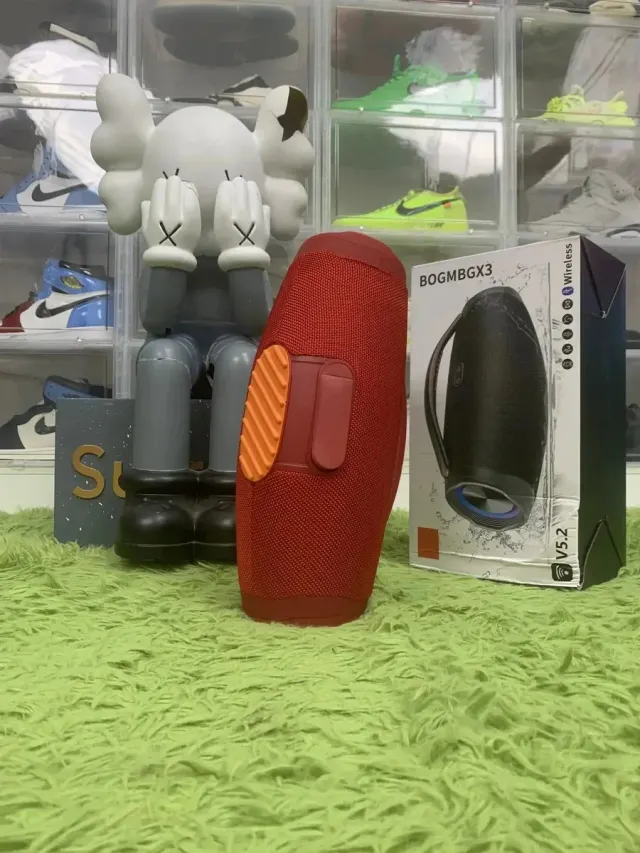
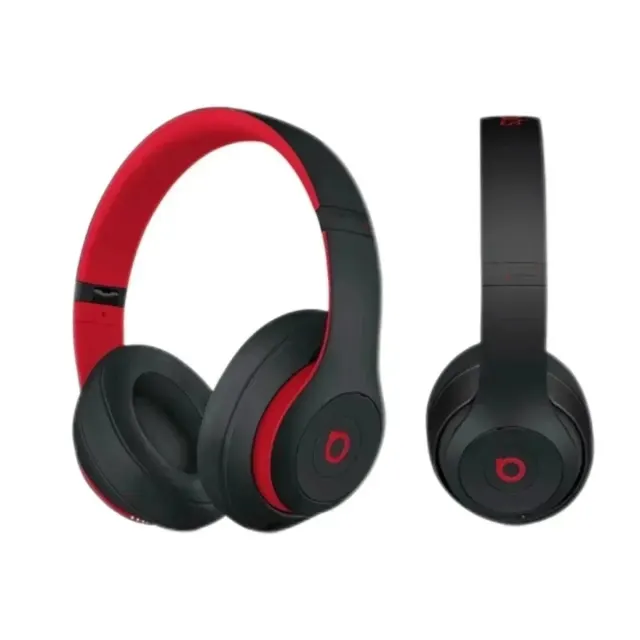
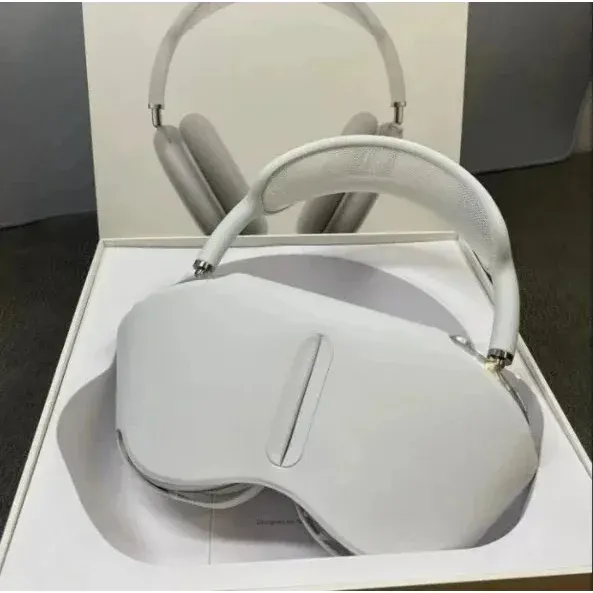
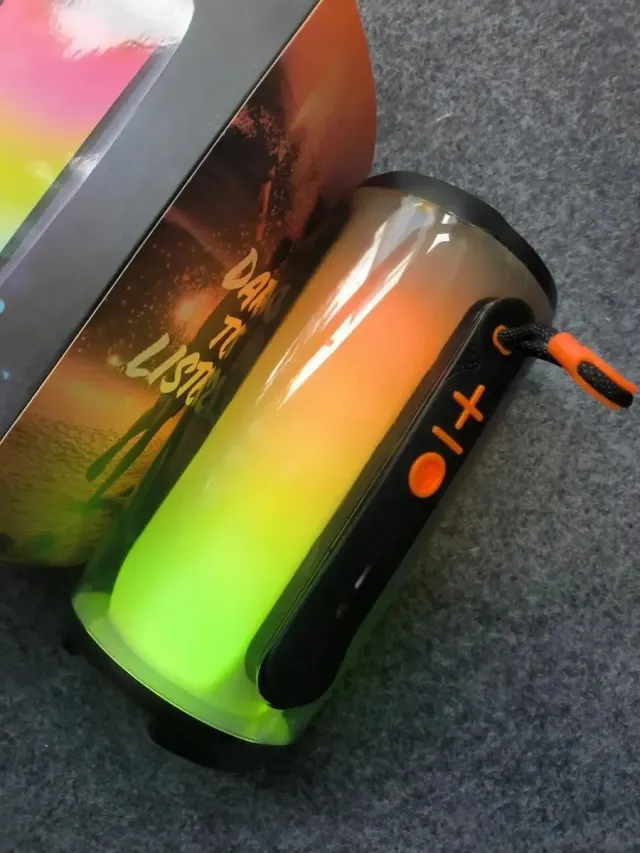
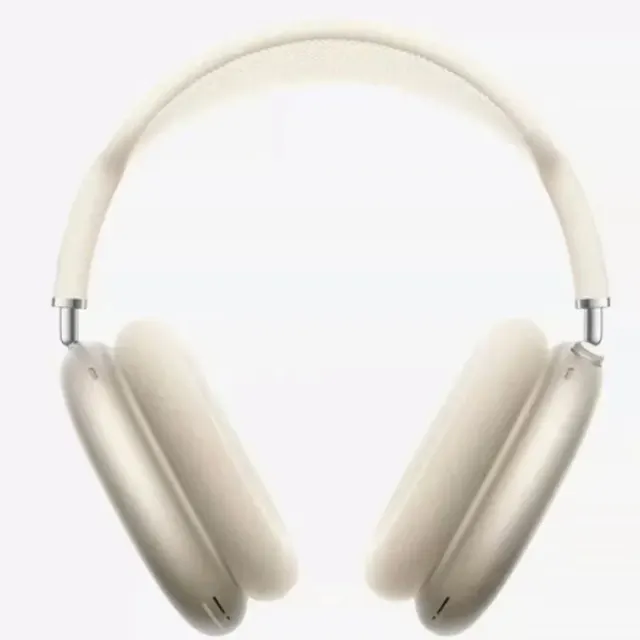
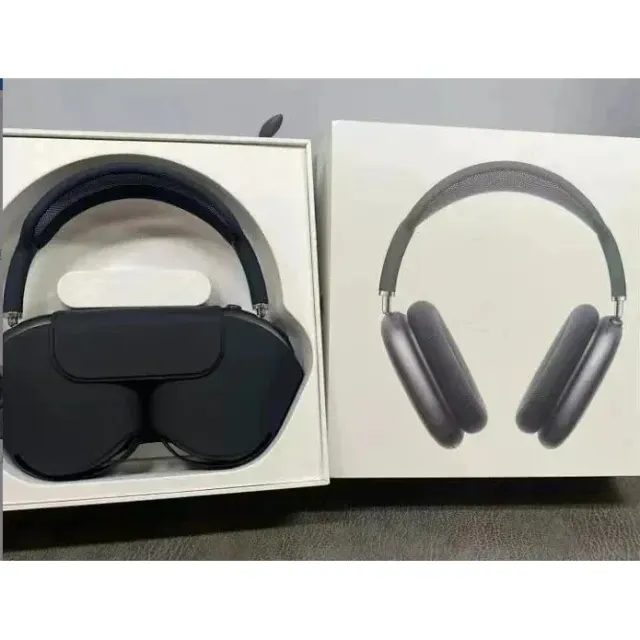
~USD item prices are saved estimates. They exclude shipping, service fees and any applicable import charges. Check the selected option, seller conditions and current price on the product page. Shared QC photos are references and do not verify quality or authenticity.
Define the source device and use before comparing an audio listing. Similar housings can conceal different connections, charging arrangements or features. Record the exact model and variation rather than assuming every photograph in a product family describes the same equipment.
Check the exact model’s manufacturer documentation and compare it with your device. Make a list of required functions so that missing information stays visible in the decision.
| Check | What to compare |
|---|---|
| Source and connection | Confirm the connection supported by the exact model and your source device. |
| Included components | Check the charging case, cable, eartips or other pieces stated in the selected option. |
| Useful controls | Investigate documented controls, volume limiting and sound-exposure monitoring where offered. |
WHO recommends investigating safe-listening features such as volume limiting and sound-exposure monitoring. It does not verify that these listings include them. WHO — safe listening. Reviewed 2026-11-03.
Photos do not measure battery capacity, audio quality, noise cancellation, wireless reliability or electrical performance. Feature claims require evidence beyond a similar exterior.
Read CSSBuy QC GuideTell support whether the actual item contains an installed battery or separate cells and provide the model information available. Confirm route acceptance and protection before combining it with other goods. Keep charging accessories and small parts identified in the final contents record.
Read CSSBuy Spreadsheet GuideWarehouse and parcel process: CSSBuy’s official buying guide. Reviewed 2026-11-03.
No. Confirm the exact model and documented functions. A shared exterior does not establish noise cancellation, a particular connection or measured performance.
Images can document visible condition and included pieces. They cannot establish how the device sounds, performs over time or behaves with your source equipment.
Identify the actual battery arrangement and ask about the chosen route. Do not assume a service accepting a passive cable also accepts a battery-powered device.
Collect product attributes and obtain item-and-route confirmation before paying for goods that may need restricted-goods handling.
Read CSSBuy Spreadsheet Note Product specificationsTurn a vague cable or adapter listing into a specification checklist for charging, data and display requirements.
Read CSSBuy Spreadsheet Note